

|
 |
|
 |
|
|
Current Games: |
|
 |
|
|
|
|

|
|
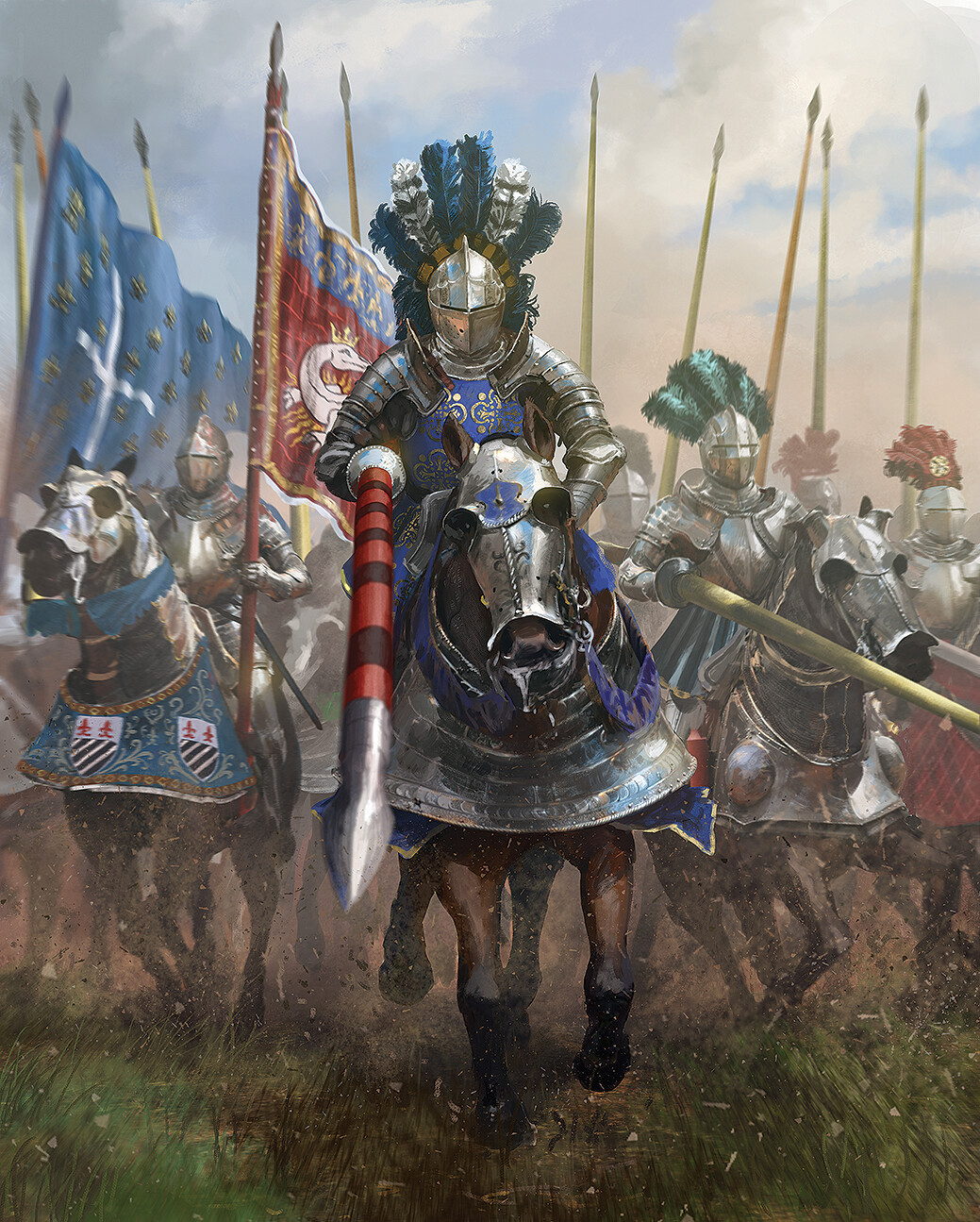
 Classic GOTM 204
 France, Deity

|
|
|
 |
|
|
Current Games: |
|

|
|
|
|
|

|
|



GOTM and Medal Play Submission Form - Staff version
Use this form to submit your entry for the Game of the Month competition. To enter, you must complete all fields in the form and upload a manually saved file (xxxx.SAV) from the turn immediately AFTER the victory or defeat in all cases except a conquest defeat (see note 1 below). Uploaded SAV files must be less than 2 MBytes in size, and must NOT be zipped, so Autosave files cannot be submitted.
Submissions normally close a month after the game is released, at midnight on the first day of the month for the Conquests Games, and on the 15th of the month for the Classic (PTW and 1.29) Games. Midnight is defined east of the International Date Line. The approximate time remaining is shown for each game below.
We are currently accepting submissions for Classic GOTM 204 (88 days 10 hours) and C3C COTM 177 (88 days 10 hours)
You can see a list of submitted games here.
Entry Form
Notes
Use the first File Selector to upload your Final Saved Game file ONLY.
Please note that if you upload an incomplete save file using this upload button, then your entry will be rejected unless you select "The turn before I was Conquered" or "When I retired...".To reach the turn after game completion select "Wait, lemme play just 'couple more turns ..." after the victory ceremony, then select Save Game in the game menu. If you suffer a Conquest defeat this option is not available, so you must submit a manual save made during the turn before defeat. You can do this by reloading the last Autosave and then choosing Save Game. Then select "The turn before I was Conquered".
- You may now submit a Retired game. This will be scored the same as a defeat, but will not be eligible for any award.
You may optionally use the second File Selector to submit additional files if you wish. These may include any .TXT, .HTM, .HTML or .ZIP file containing timeline records or other details. Additional files you supply will not be used to score your entry, and they may not be looked at during adjudication.
If you are unable to submit a suitable file, or have other problems with this submission form, please email your file with the required information and a description of the problem to us.

 © 2006 - 2025 CivFanatics.com
All rights reserved. Please read the Terms of Use.
Send mail to our webmaster with technical questions about or potential problems with this web site.